Choose your ending
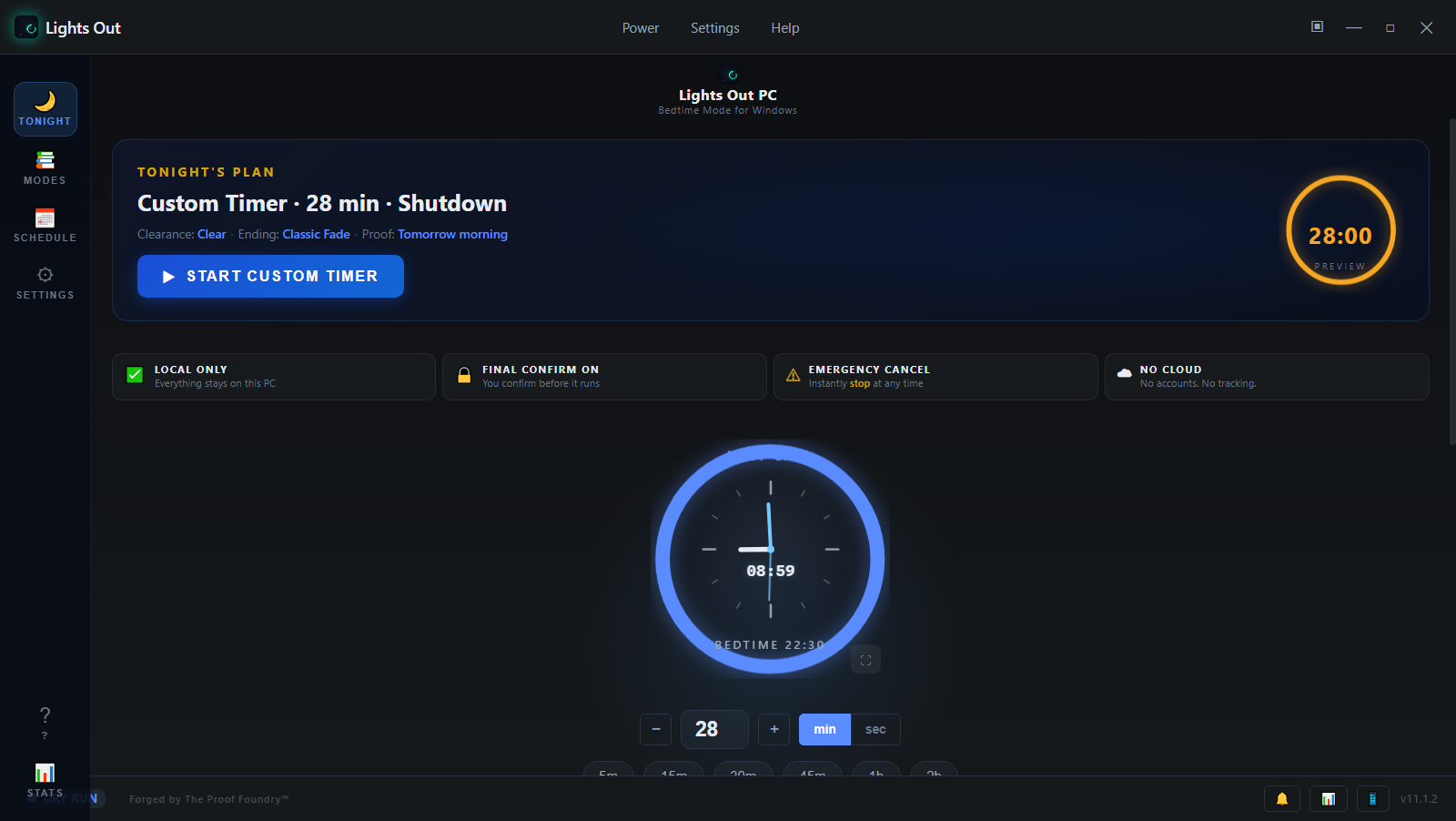
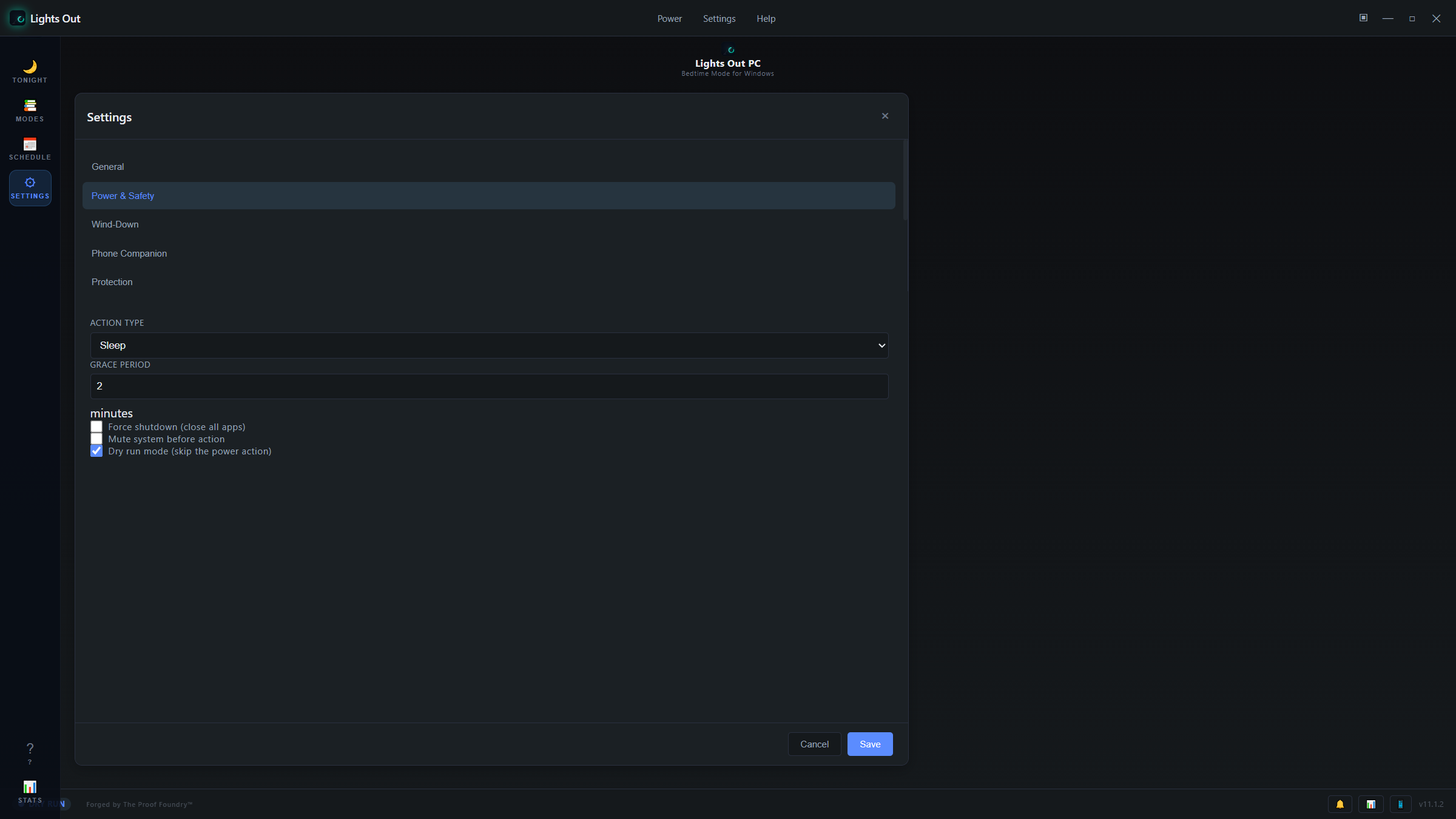
Pick a duration or a clock time, then choose shutdown, sleep, restart, hibernate or log out.
 Lights Outby The Proof Foundry
Your nightly shutdown ritual
Set the countdown. Let the PC wind down. Pause, snooze or cancel from bed with the Android companion.
Made for the way you work
Set up the end of the night while you are still at your desk.
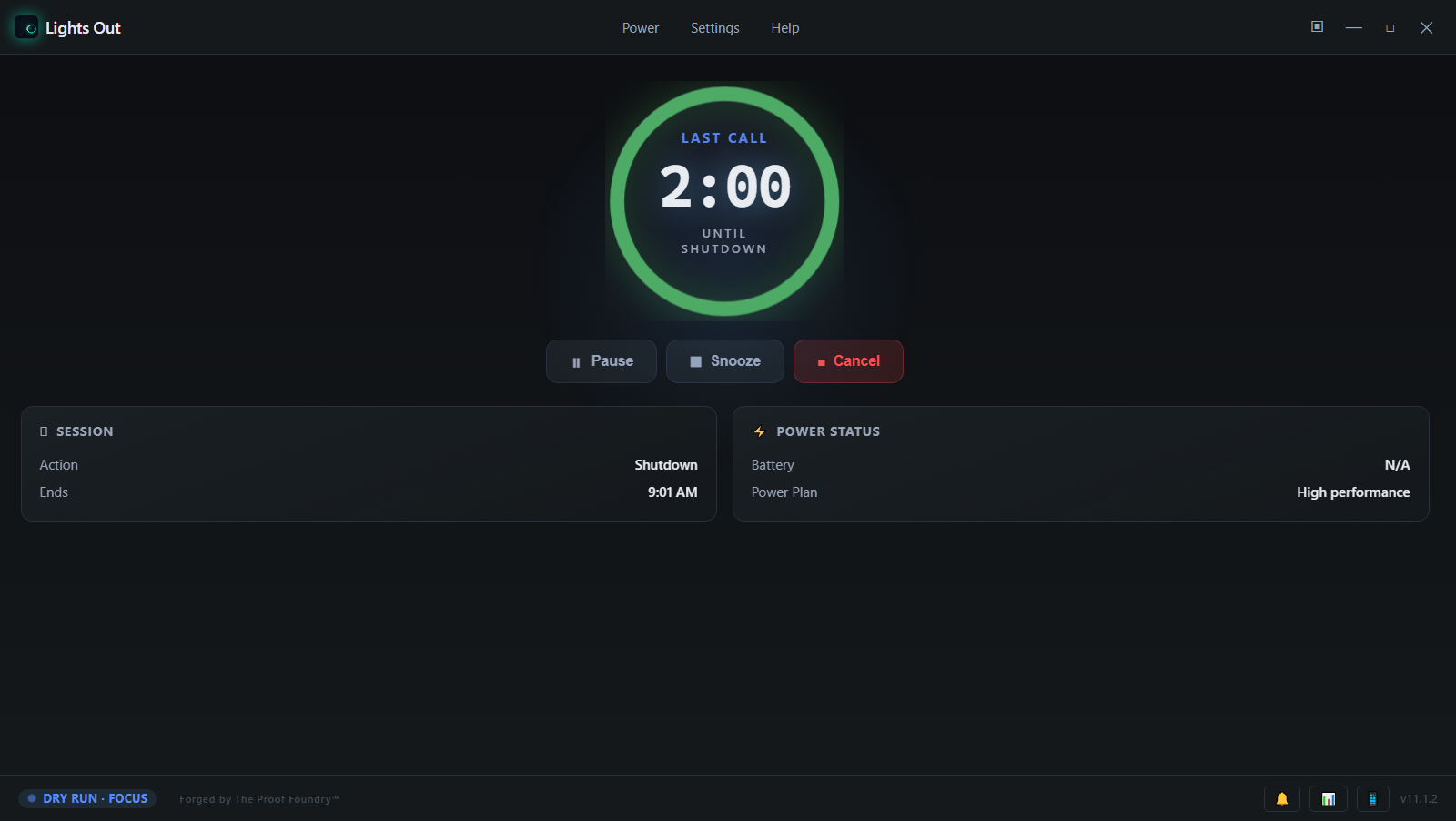
Pick a duration or a clock time, then choose shutdown, sleep, restart, hibernate or log out.
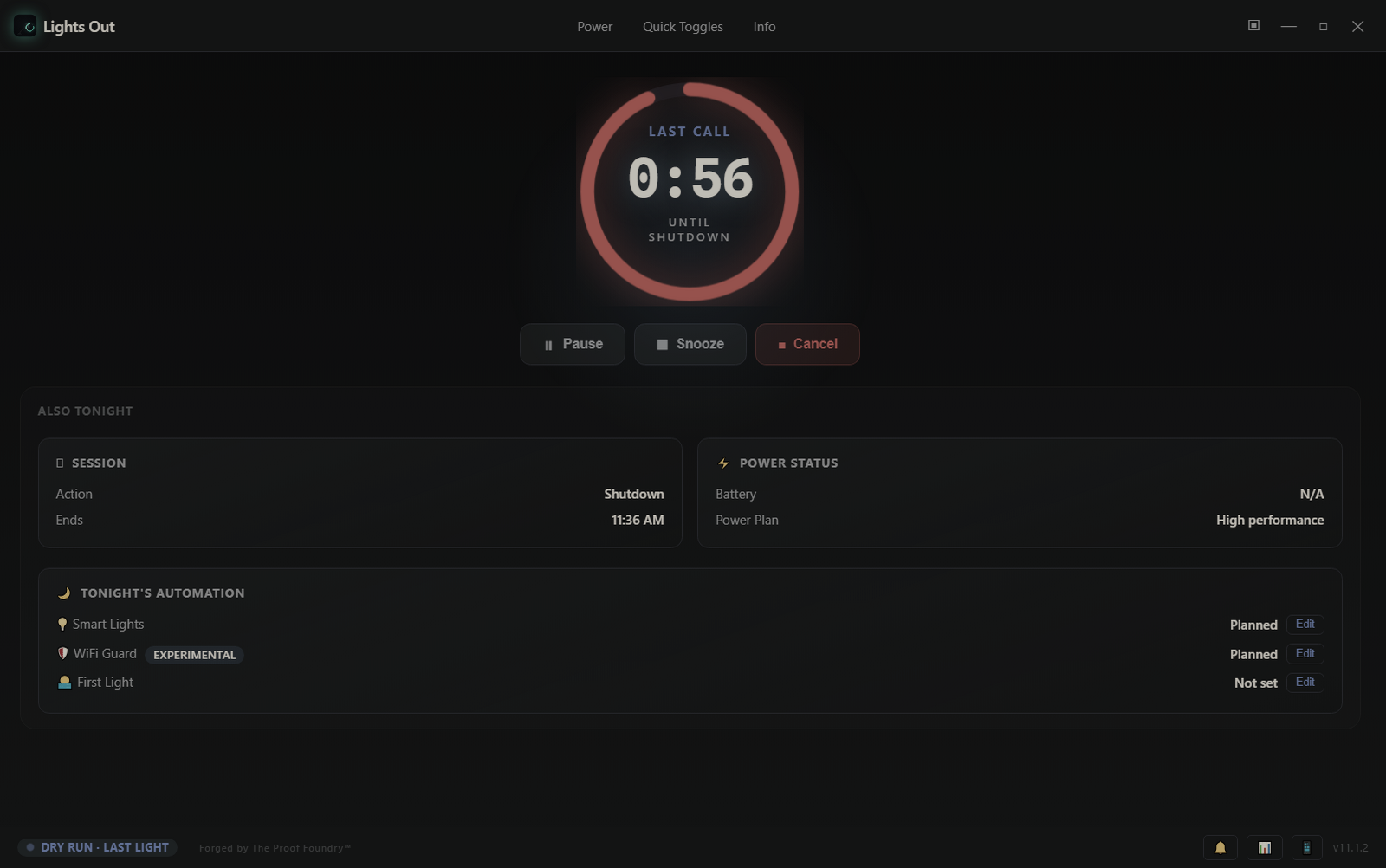
Use the desktop or paired Android companion to pause, snooze or cancel the session.
A grace period and emergency cancel keep you in control. Try Dry Run to rehearse without a power action.
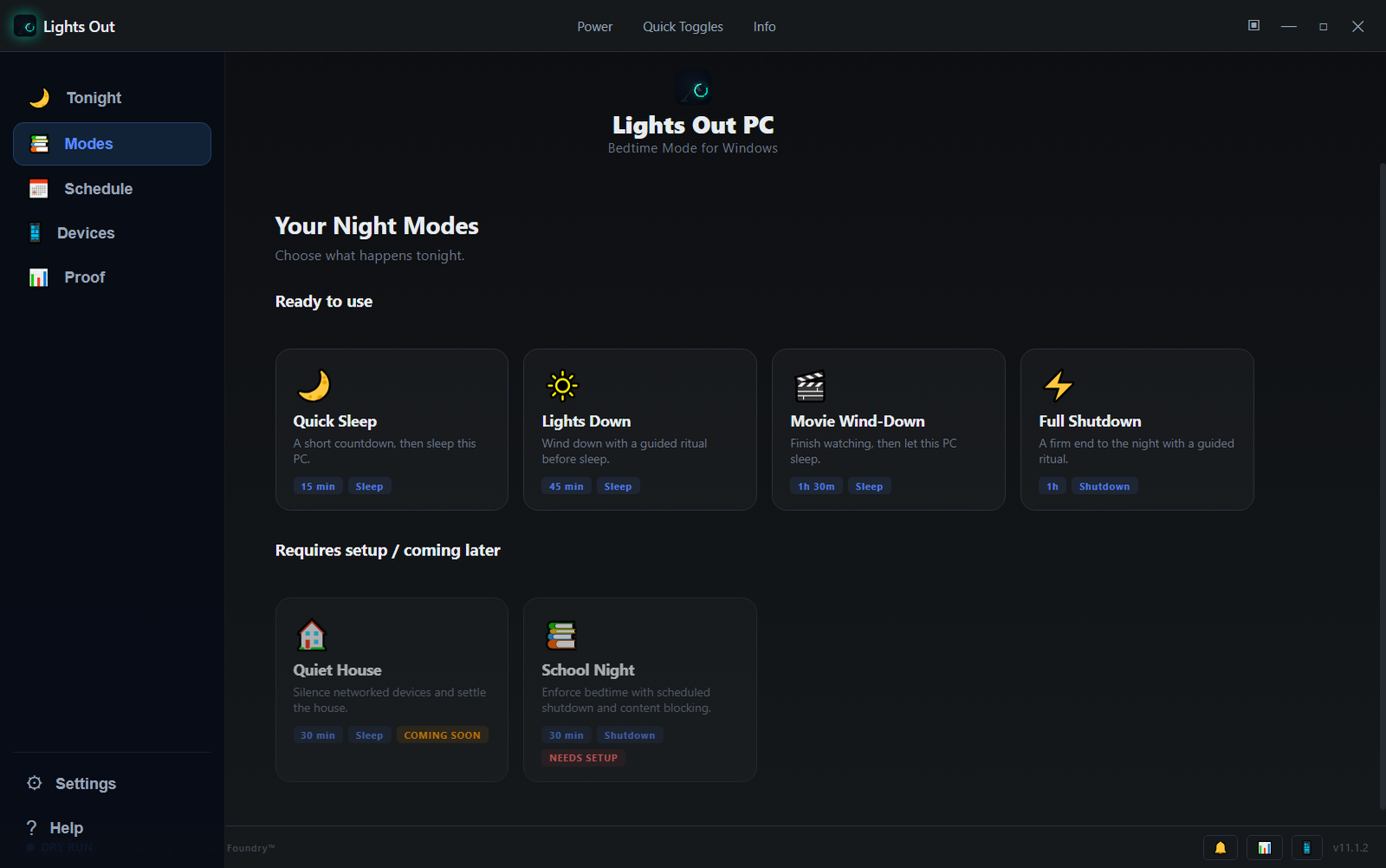
Start with a Night Mode or save a profile for the routine you use most — and let First Light schedule the morning, with proof of every run.
Make a little space for the night
Set a short countdown and let the day wind down.
Website preview · this timer won’t control your device.Make it a ritual
Start with a Night Mode or save a profile for the routine you use most. Your movie night and your early start do not need the same ending.
Get the software
The public Windows release is v11.2.0. The download offered here is the portable ZIP, served from the public GitHub release with a published SHA256SUMS.txt — verify the hash before running.
This site offers no Android companion download. The release record lists Android companion v11.1.1 but publishes no companion file or checksum. A companion v11.2.0 build exists alongside Windows v11.2.0 but has not been released publicly.
Set up and keep it yours
%APPDATA%\LightsOut\. First Light wake tasks register in Windows Task Scheduler and self-delete when they run or are cancelled. Removing the app does not delete %APPDATA%\LightsOut\; delete it to remove all local data.Support
Because this build is not code-signed, Windows may show an unrecognized-app or "Windows protected your PC" warning, depending on Windows security and reputation checks. Verify the published SHA-256 before deciding whether to run it.
No. The portable ZIP and the app inside it are not code-signed, according to the release record. Code signing is a separate, tracked piece of future work, not something this release claims.
For v11.2.0 it means the release's own Windows qualification passed: the installer and the portable build each matched all 614 files recorded in the build manifest, and 60 installed-runtime settings checks passed (WINDOWS-VERIFICATION.json). Proof Foundry re-checked both published SHA-256 hashes against anonymously downloaded bytes. This is first-party evidence — not an independent or security certification, not a code signature, and with no effect on Windows SmartScreen. Earlier Reality Gate runs covered v11.1.3 only.
Yes. The v11.2.0 installer, portable ZIP and SHA256SUMS.txt are public on the GitHub release, and the download button on this page points there.
Run the Get-FileHash command in the Release status & evidence section below and compare the result to the published SHA-256. If they don't match exactly, don't run the file.
This site offers no Android companion download. The release record lists Android companion v11.1.1 but publishes no companion file or checksum. A companion v11.2.0 build exists alongside Windows v11.2.0 but has not been released publicly.
Release records, checksums, detailed scope and qualification evidence. Candidate evidence does not change public availability.
The night doesn't end when the PC goes to sleep — Lights Out schedules the morning too.
First Light is a real wake alarm. Set a time in the app, and Lights Out registers it with Windows Task Scheduler so the PC can wake from sleep on its own. When it wakes, the app runs a rising First Light sequence — a gradual, warm start instead of a cold alert.
Two supporting systems round out the routine: a Bedtime Reminder that nudges you before bed (on by default, 15 minutes before), and Autopilot Bedtime, which learns your pattern and offers to start the session — off by default until you turn it on.
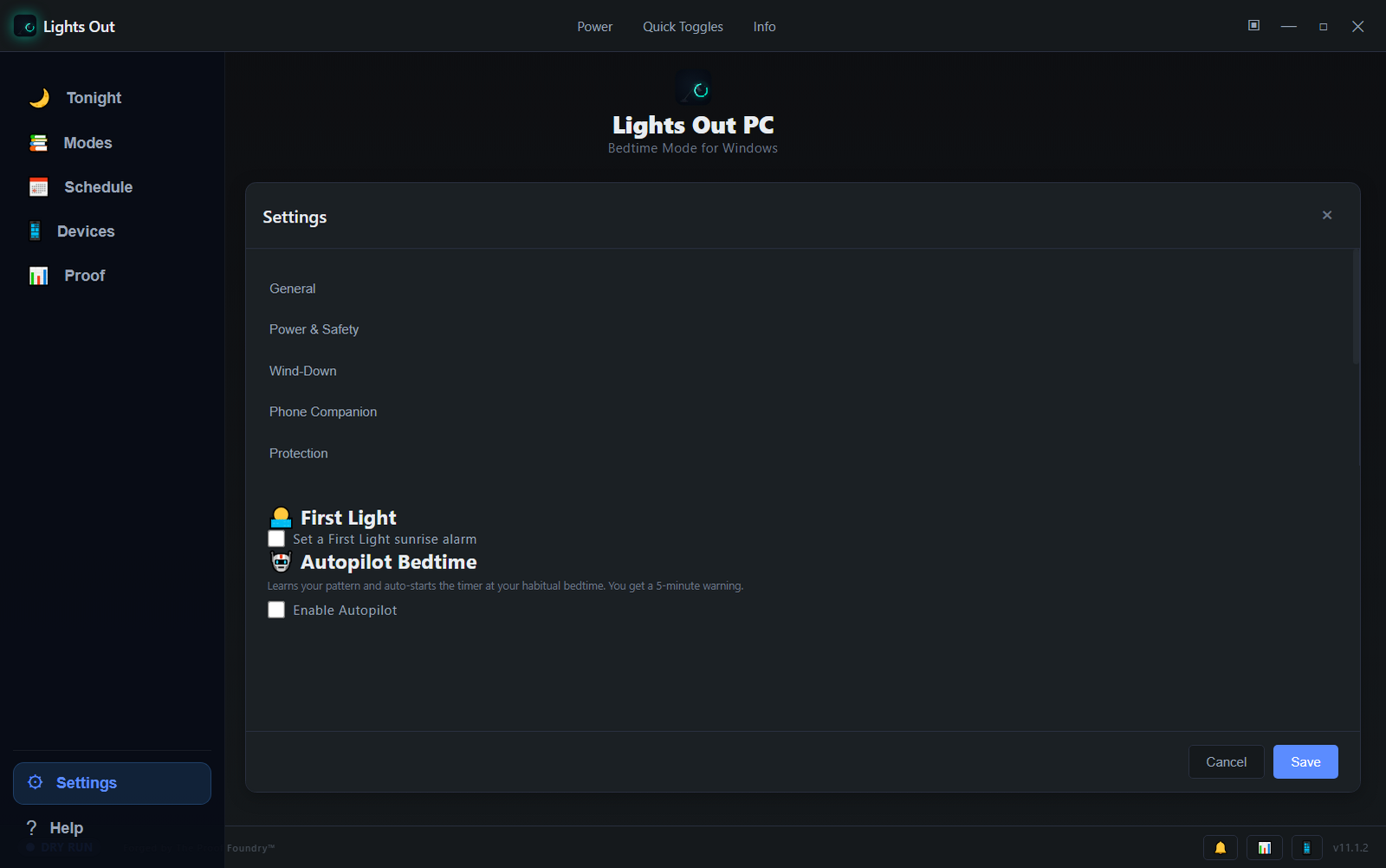
A wake time in the app becomes a real scheduled wake event.
Task Scheduler wakes the machine from sleep or hibernate at the set time.
A gradual brightening sequence runs, followed by the morning briefing.
The Devices panel is a live summary of everything Lights Out can see and talk to.
Open Devices and you get the current state of the whole setup in one place: what this PC will do, whether the companion is connected, and which integrations are configured. Each card routes straight into the matching settings.
Smart Lights and Wi-Fi Guard live here as real, configured-or-planned cards: Smart Lights and Wi-Fi Guard each show their armed state — never a silent promise that they are active when they are not.
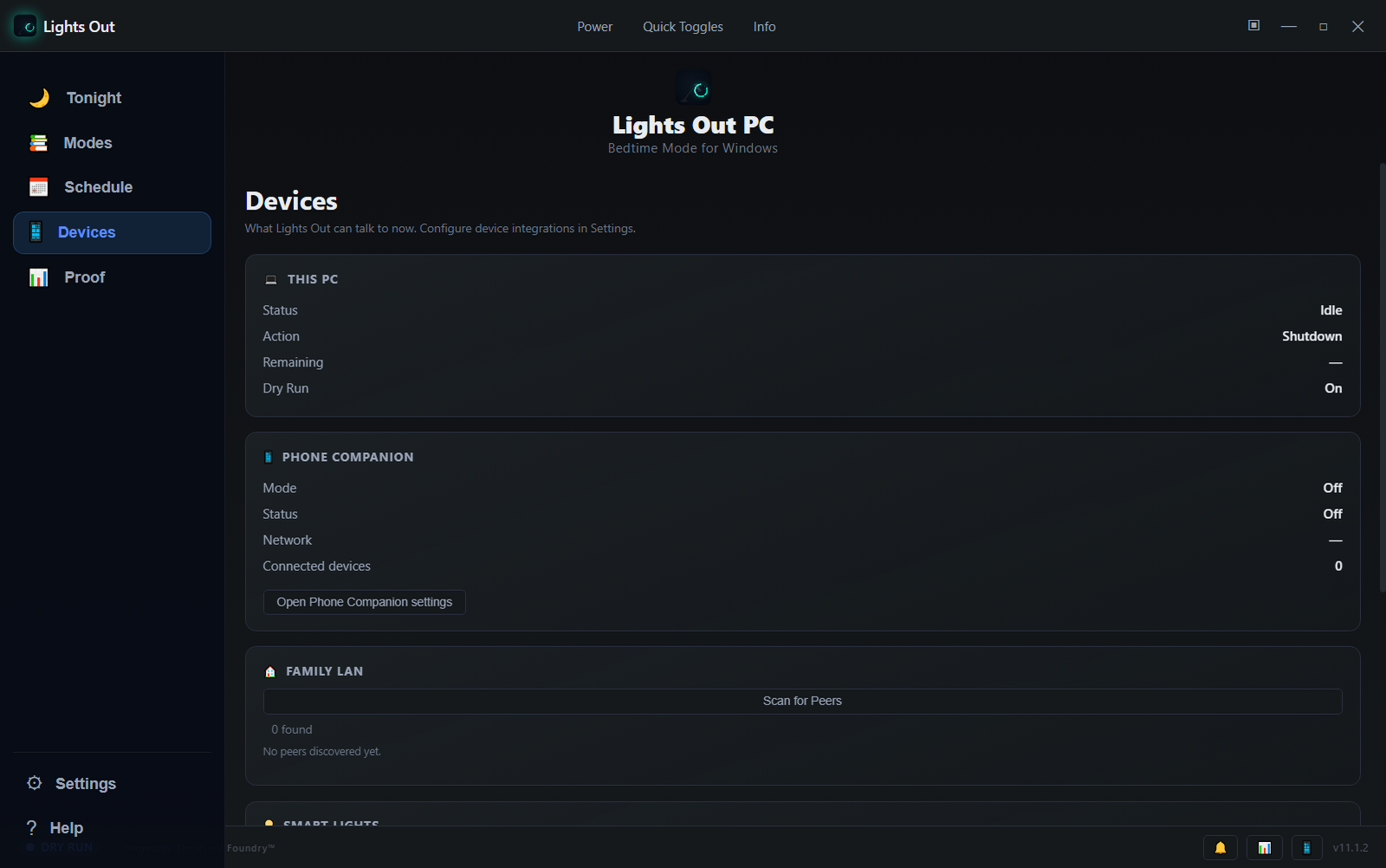
Dry Run mode shows here when armed.
Control Tonight from bed once paired.
Discovers nearby Lights Out peers on your network — not remote household control.
Hue or HTTP integration set up in Settings.
Experimental router, webhook, or adapter control.
Compatible lights can dim and warm as the bedtime session progresses — attached to the session, not on their own schedules.
Smart Lights join the session lifecycle. As the timer runs, configured lights can dim toward a warm color temperature where the fixture supports it, and switch off when the session ends — part of the same wind-down you started on the PC.
Independent per-light schedules — “Bedroom lights off at 11:00 PM, kitchen at 11:30” — are not part of this build. Light behavior is tied to the PC session tonight.
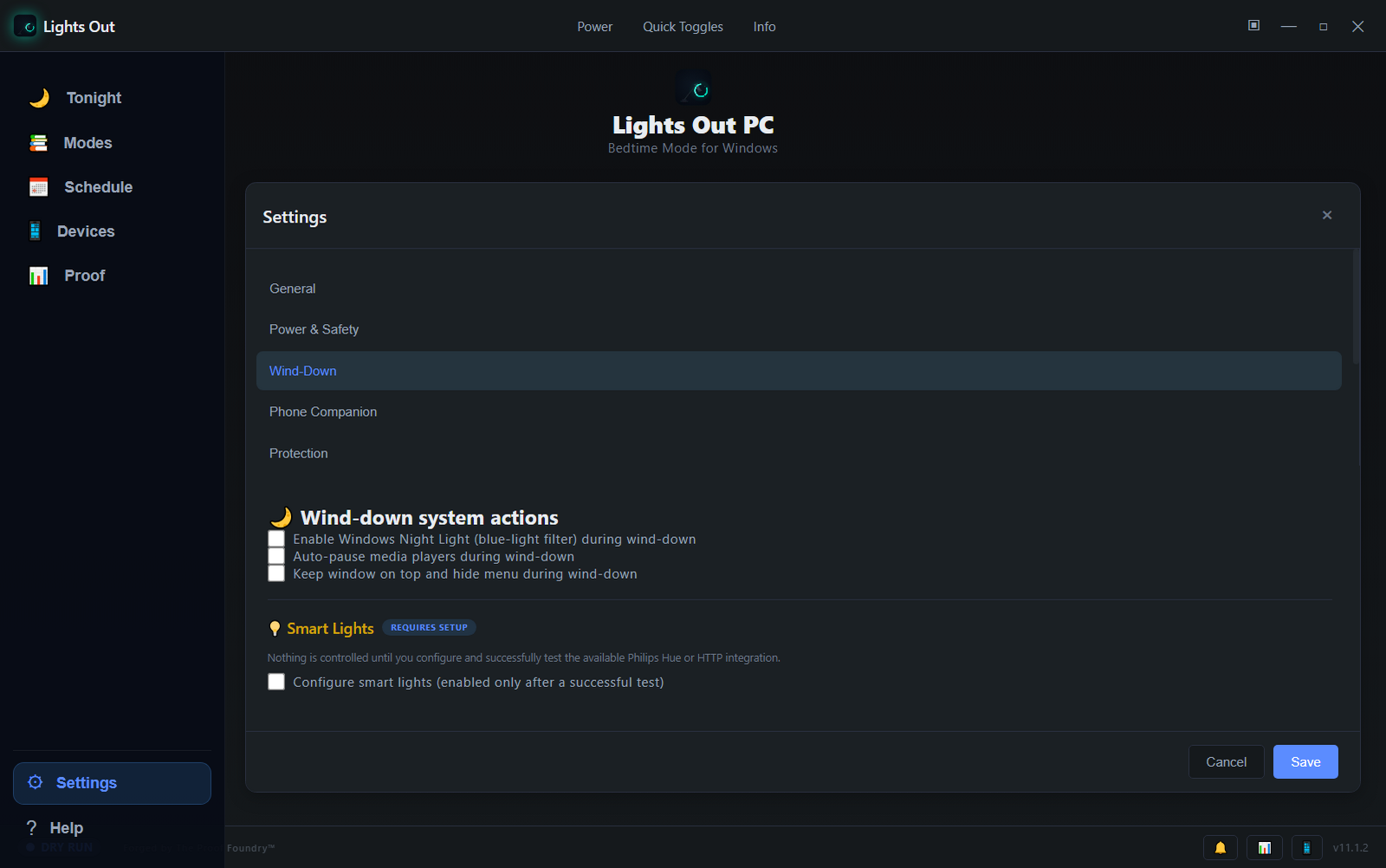
Dim and warm as the countdown progresses, when the fixture supports color temperature.
Lights off with the session's end, or follow the Night Mode you chose.
Nothing arms without a passing test connection. Configuration changes disarm it.
Philips Hue and generic HTTP webhooks are the exposed integrations in this build.
Wi-Fi Guard can put the network to bed with you — through supported router and webhook integrations.
Wi-Fi Guard restricts internet access as part of the bedtime flow — one more reason to actually log off. It supports TP-Link, ASUS, and Netgear routers, custom webhooks, and a local Wi-Fi-adapter fallback, and it restores access when the session ends or is cancelled.
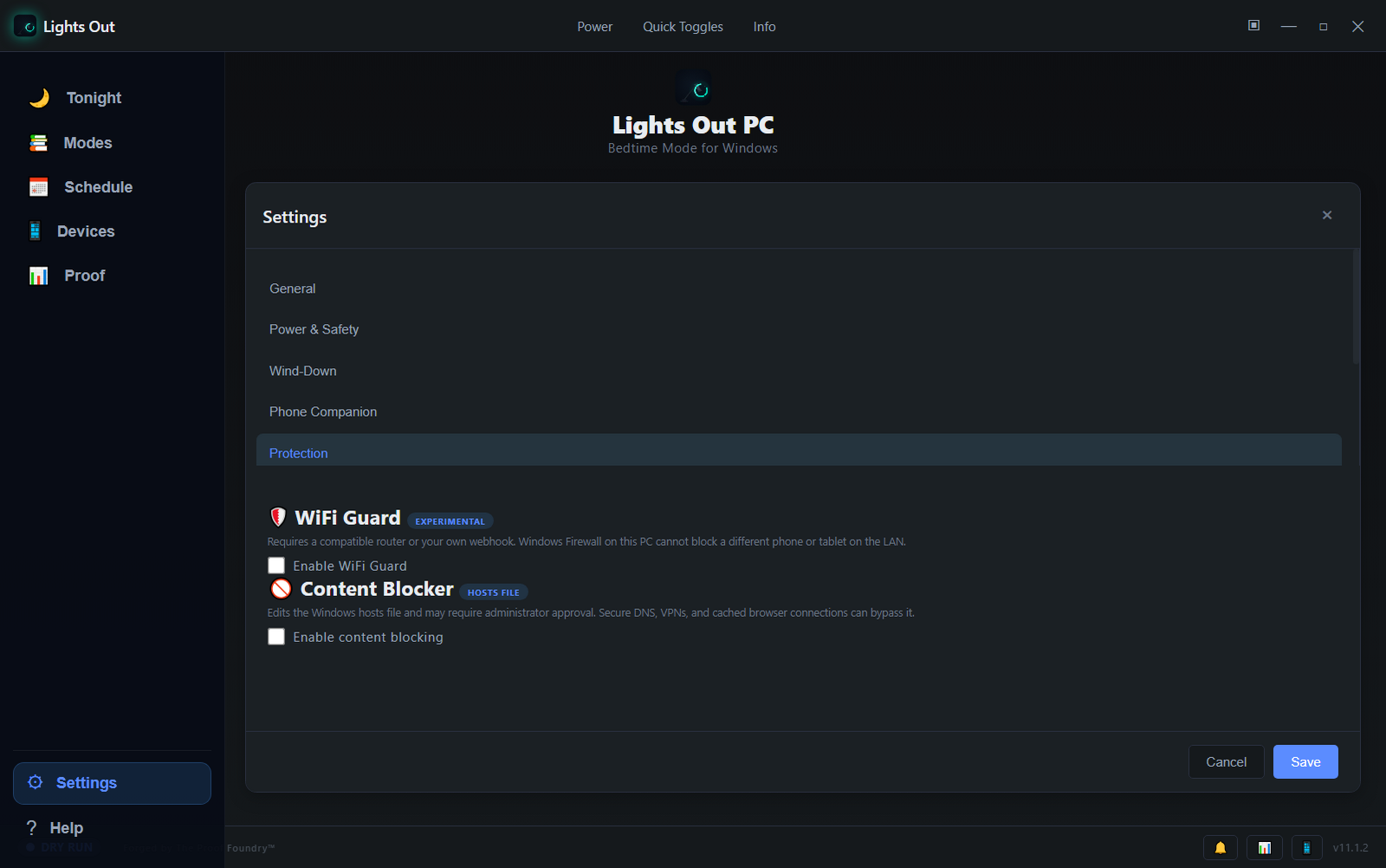
TP-Link, ASUS, and Netgear paths are implemented and selected per router.
A custom HTTP(S) webhook can trigger your own network control.
Disabling the local Wi-Fi adapter works without any router at all.
Access is restored when the session ends, is cancelled, or a recurring schedule is no longer active.
Lights Out can start from more than a button — several real scheduling systems give the night a shape.
The Schedule screen is where the week gets predictable. It brings together everything that makes a routine stick:
One honest boundary: these systems are independently scheduled, not one saved whole-room timeline. “Kitchen lights dim at 11:00, Wi-Fi off at 11:30, PC sleeps at midnight” as a single plan is future direction — not current copy.
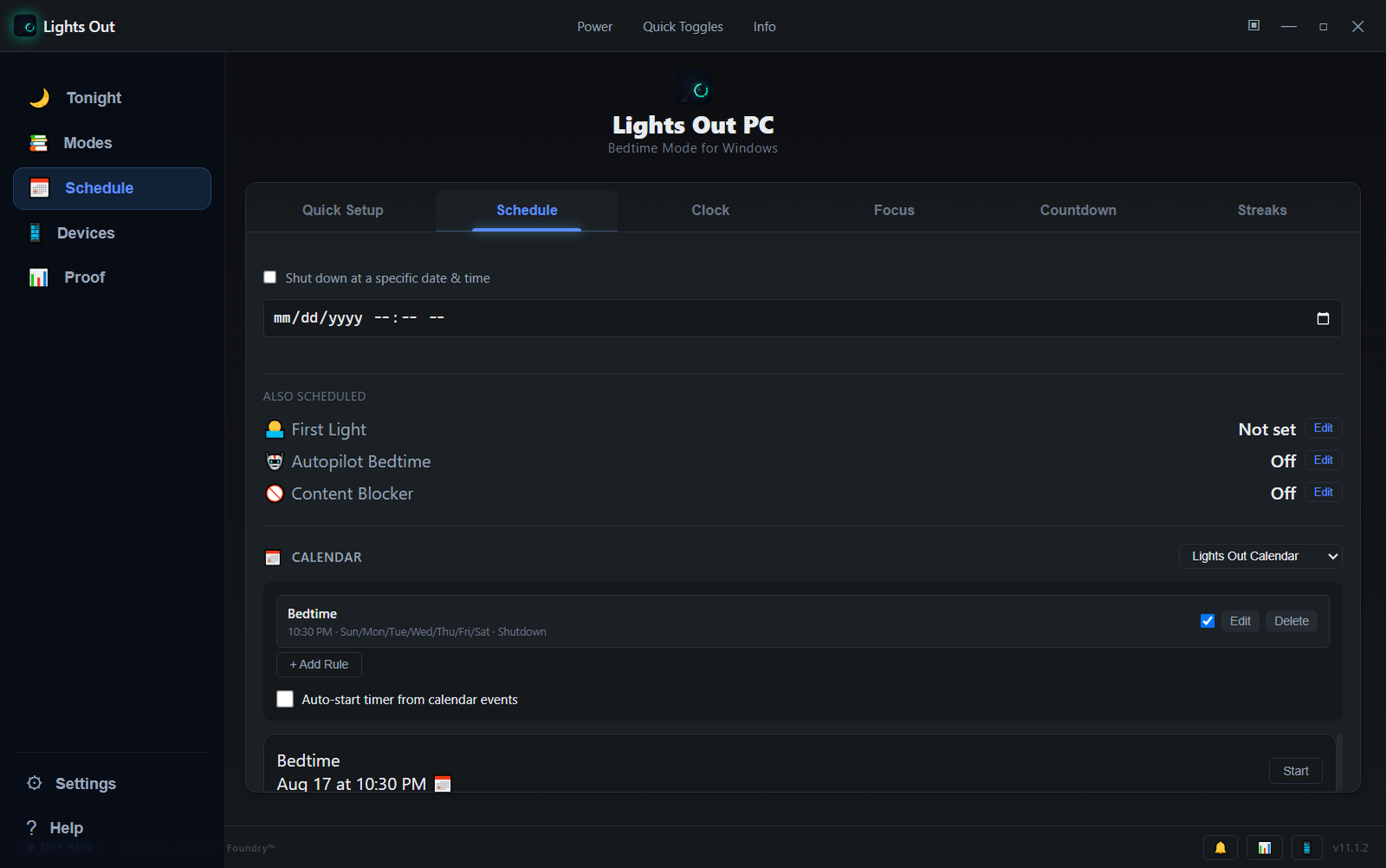
“Shut down at 10:40 PM” instead of “in 45 minutes.”
Multiple independent rules: at this time, on these days.
Live calendar events inform sessions and the morning briefing.
First Light, Autopilot Bedtime, Bedtime Reminder, and Content Blocker are each scheduled in their own settings.
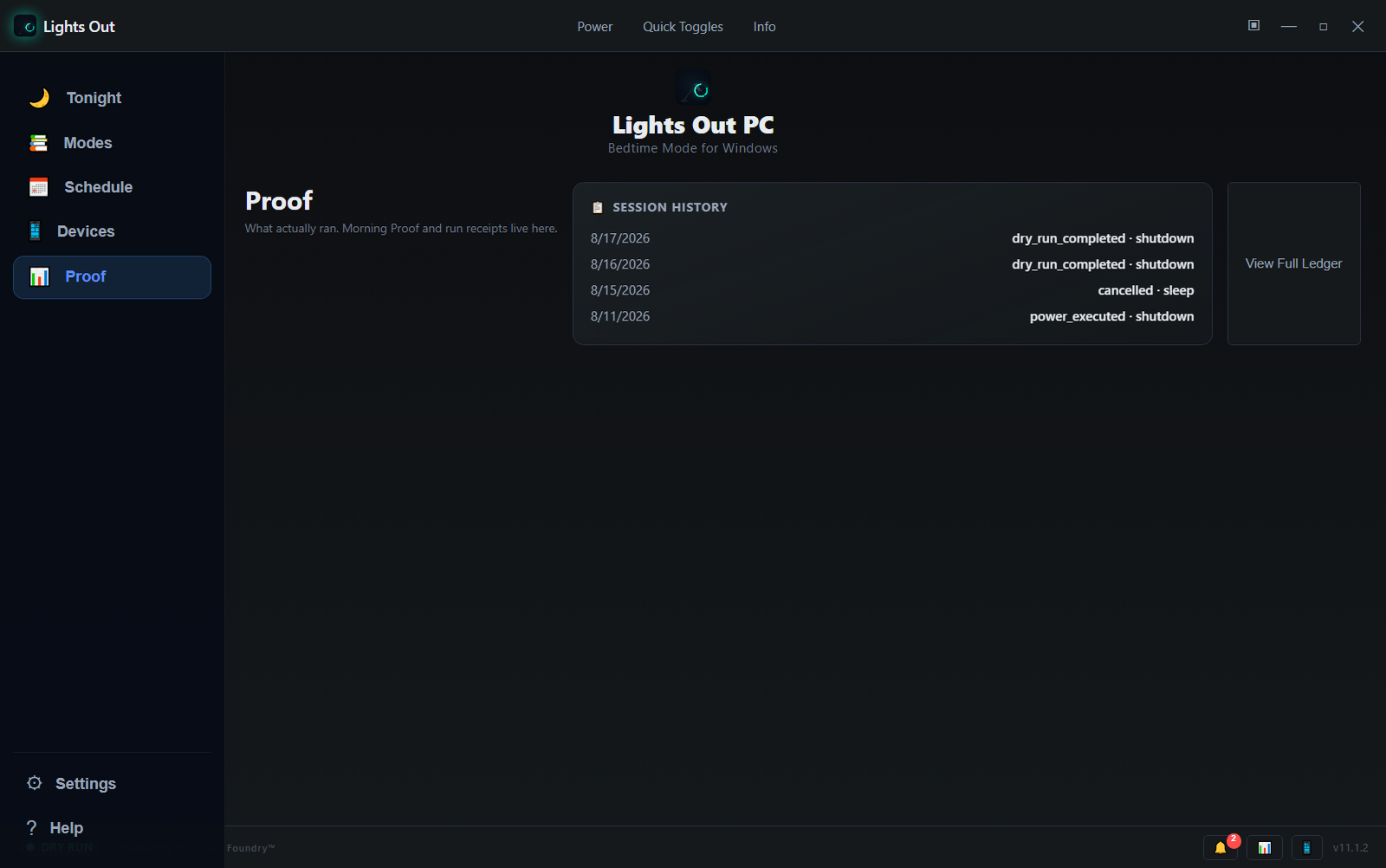
Automated power actions shouldn't leave you guessing. The Proof screen records the session, and the receipt stays on your machine.
Every session produces a real record: what ran, which action, the outcome — including when you cancelled or changed course. Session history and a full ledger stay in the app, and Morning Proof surfaces the last run's results the next morning.
The system has the power; you keep the controls.
Everything that touches the machine is designed to be interruptible. Before anything runs you confirm it; while it runs you can always stop it.
Lights Out v11.2.0 is the public release. Its installer and portable ZIP passed the release's own Windows qualification, and both published hashes were re-checked against downloaded bytes — see "What this does not claim" further down for what that does and does not cover.
335ba77Lights Out v11.2.0 is the current public Windows release, published 2026-10-16 from source commit 335ba77. It refines the Settings menu and forms, adds experimental WiZ smart-light controls and richer calendar rules. The installer EXE and portable ZIP are public on the GitHub release alongside SHA256SUMS.txt, a build manifest and a Windows verification record; both hashes were re-checked against anonymously downloaded bytes. No Reality Gate receipt has been published for this version. These are unsigned Windows builds — not Authenticode-signed. The Android companion stays at v11.1.1; no new companion APK ships with this version.
335ba77: the installer and the portable build each matched all 614 files recorded in the build manifest, and 60 installed-runtime settings layout checks passed (WINDOWS-VERIFICATION.json).Before you extract or run the portable ZIP, confirm its hash matches exactly:
Expected portable ZIP SHA-256:
7e855475c3f7a3e65a4921bc7d9237a1a69480514943de597f65ad3cfb273b39
Desktop verification: Get-FileHash ".\Lights-Out-Portable-v11.2.0-win-x64.zip" -Algorithm SHA256 (Phone-native verification guidance is being prepared on the support hub)
The GitHub release's SHA256SUMS.txt also lists the installer EXE Lights-Out-Setup-v11.2.0.exe. This site does not offer that file; its published SHA-256 is:
Both digests are also published in SHA256SUMS.txt on the GitHub release. If the hash doesn't match exactly, do not run the file — treat a mismatch as a stop signal and see the support guide.
These builds are not Authenticode-signed. Windows may show a "Windows protected your PC" / unrecognized-publisher warning when you run them. No trusted-publisher claim is made, and no SmartScreen reputation is claimed. Please verify the SHA-256 hash above before running the download.
Honest about what is not ready yet.
Windows v11.2.0 is the current public release, published 2026-10-16. No successor candidate is open, and no companion v11.2.0 build has been released publicly.
The v11.2.0 installer, portable ZIP, SHA256SUMS.txt, build manifest and Windows verification record are all public on the GitHub release — that release is the canonical download source for this version. Earlier v11.1.x releases were distributed from the Proof Foundry mirror.
Desktop app runs on Windows 10 and Windows 11. This site offers no Android companion download. The release record lists Android companion v11.1.1 but publishes no companion file or checksum. A companion v11.2.0 build exists but is not publicly released. No macOS or Linux build in this cycle.
Smart Lights setup covers Philips Hue and HTTP webhooks today. Wi-Fi Guard is experimental and depends on router or webhook support. Neither supports independent per-device schedules in this build.
Privacy & Data Flow
Evidence-backed behavior for Lights Out Windows v11.2.0. This site offers no Android companion download.
Countdown settings, bedtime presets, and session logs persist in %APPDATA%\LightsOut\. First Light wake tasks register in Windows Task Scheduler and self-delete upon execution or cancel.
Core countdown and power control workflows run locally. Optional integrations (custom HTTP webhooks, Philips Hue smart lights, Family LAN discovery, and Wi-Fi Guard) communicate over user-configured local network paths or endpoints.
Zero background telemetry, analytics tracking, or mandatory cloud accounts. Emergency cancel (Ctrl+Shift+X) and dry-run simulation ensure full operator control.
Your nightly shutdown ritual
Set the countdown, keep the controls close, and let the PC wind down without you.